
The Settings tab allows publishers to configure their account details, manage their balance, and customize notification preferences (soon).
Below is a breakdown of each section within the Settings tab.
Account
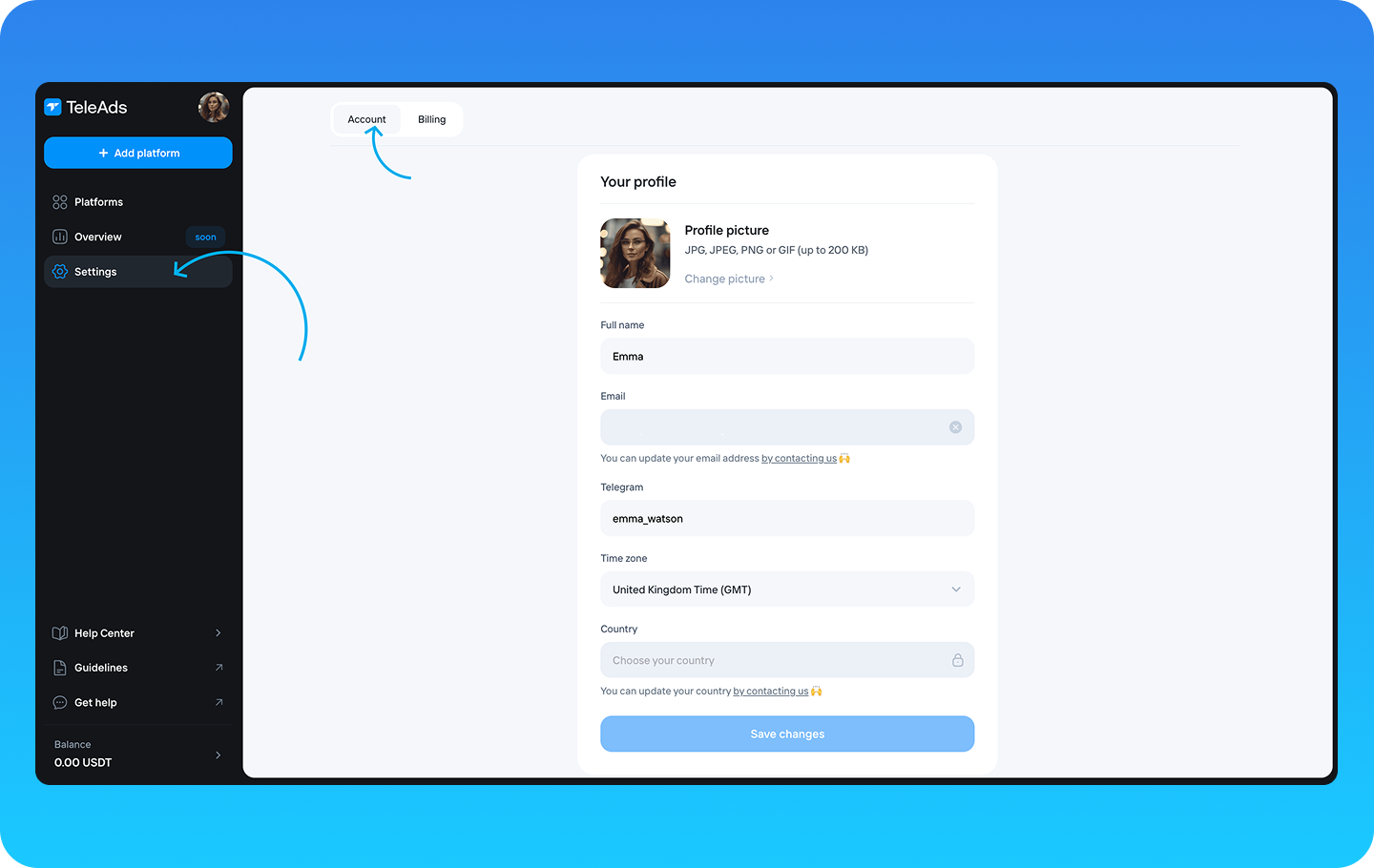
In the Account tab, you can manage your profile information, including:
Profile picture – Upload or change your profile image.
Full name – Update the name associated with your account.
Email – View your registered email address. To update your email, please contact the TeleAds support team.
Telegram – Update your Telegram username.
Time zone – Set your preferred time zone for accurate reporting and scheduling.
Country – Specify your location.
Additionally, you can change your password in this tab by following the provided instructions.
Billing
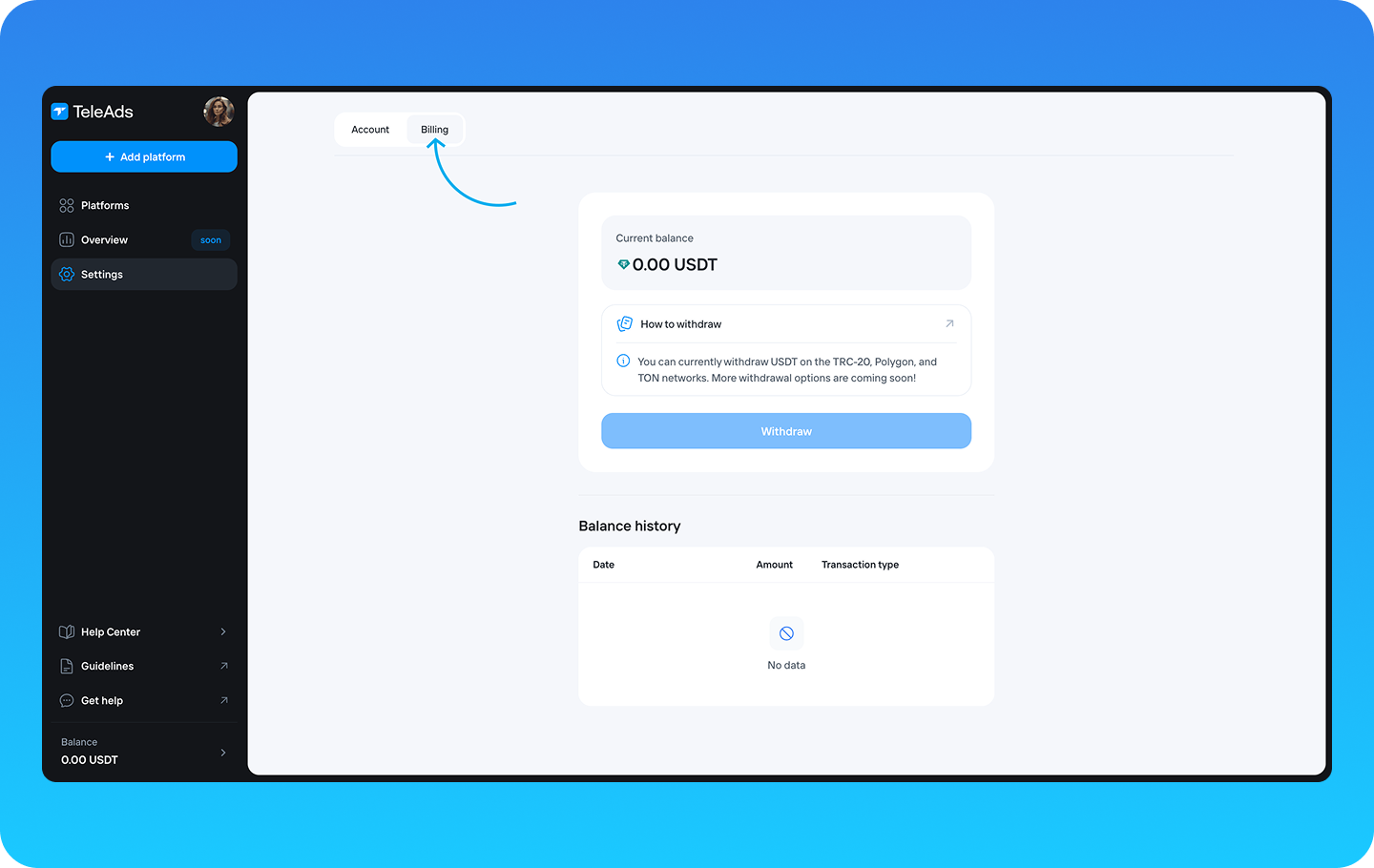
The Billing tab provides an overview of your account funds. Here, you can:
Monitor available funds – Ensure you have sufficient balance for active and upcoming campaigns.
Withdraw up your balance – Withdraw funds to your wallet using supported payment methods.
View recent transactions – Check your withdraw history and campaign earnings to track financial activity.